From Prompt to Publication: A Masterclass in Free AI Infographic Generation
Tutorial Desk Specialist
From Prompt to Publication: A Masterclass in Free AI Infographic Generation
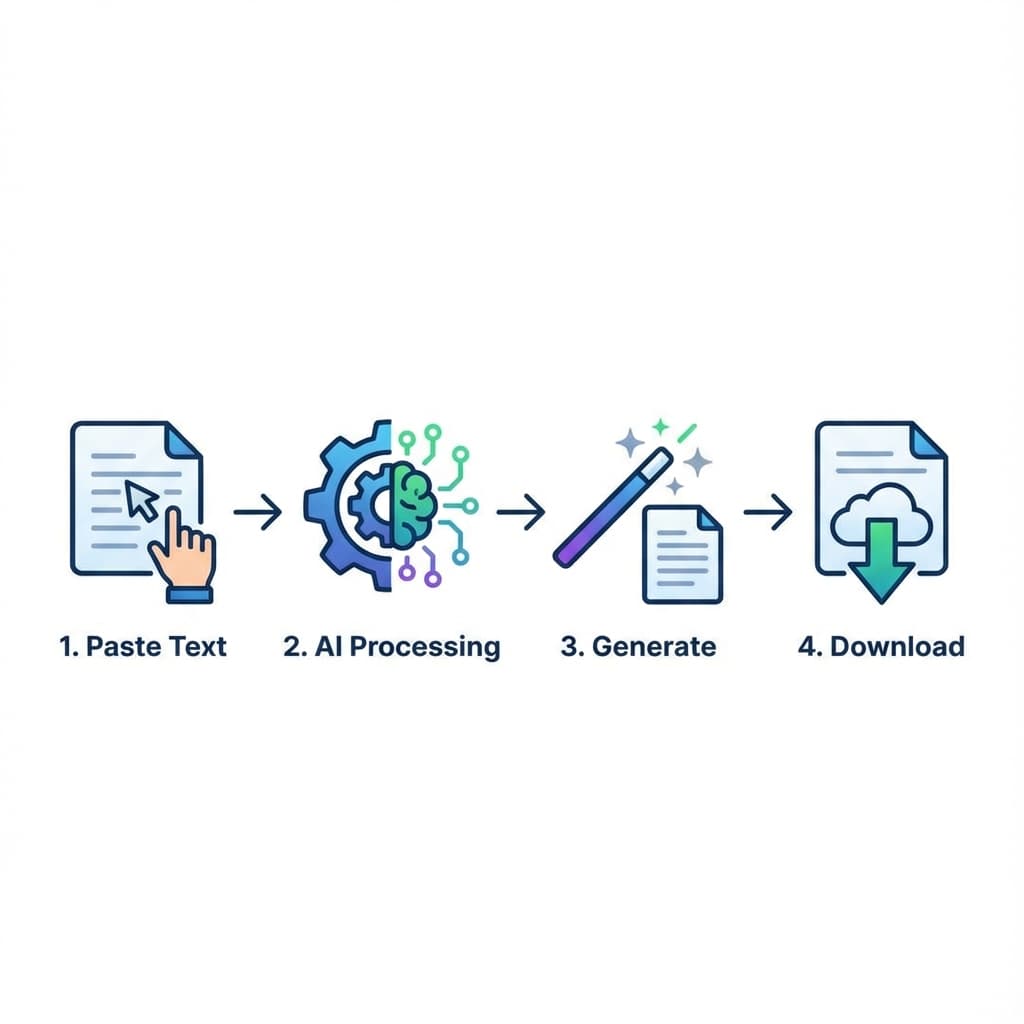
Ready to create? High-quality digital communication doesn't require a design degree—it requires a strategic workflow. Follow these steps to go from a raw text block to a publication-ready visual in 60 seconds.
Phase 1: Input Optimization
The AI is your partner, not your mind-reader.
1. **Structure your text:** Use clear headers or bullet points.
2. **Paste & Go:** Navigate to [TextToInfographic.online](https://texttoinfographic.online). There is no "Login Wall," which means you can start immediately.
Phase 2: Choosing your Output Medium
One of the most overlooked features is the Resolution settings.
- Web-First (PNG): Ideal for social media and website embedding. It offers perfect clarity with low file sizes.
- Print-First (PDF): If you are presenting at a conference or printing posters, always choose the PDF export. This utilizes vector-style rendering, meaning your infographic will stay sharp even on a 10-foot screen.
Phase 3: The 'Regenerate' Strategy
AI design is iterative. If you aren't 100% happy with the first layout, don't settle. Click 'Regenerate'. Our system will create a fundamentally different mathematical mapping of your text, giving you a fresh perspective on the data.
Final Pro Tip
Once you've downloaded your visual, share it! Studies show that visual content gets 94% more views than text-heavy articles.
Ready to tell your visual story?
Join thousands of users transforming boring text into stunning infographics in minutes. 100% Free. No Login Required.
Start Generating Now